
Finding a vulnerability is one thing. Getting it fixed is where the real work begins.
Every Edgescan finding arrives validated, with remediation guidance written by our security experts. That guidance explains how a given type of vulnerability is fixed. But turning that guidance into a plan for a specific system takes more work.
Which host is affected? What’s the deadline? What needs to happen first? How do you know the fix worked?
That’s where the new Edgescan Remediation Playbook comes in.
Introducing the Edgescan Remediation Playbook
The Edgescan Remediation Playbook turns a single finding into a dated response plan for that issue on your system. It uses the details from the finding itself (asset name, location, ports, protocols, and supporting evidence) along with your remediation SLA.
So instead of starting with a finding and working out the response from scratch, your team has a structured plan built around the affected system, the work required, and the deadlines that matter.
It works alongside the remediation guidance you already get. The guidance covers how this type of vulnerability is fixed. The playbook lays out how to fix this instance, and by when.
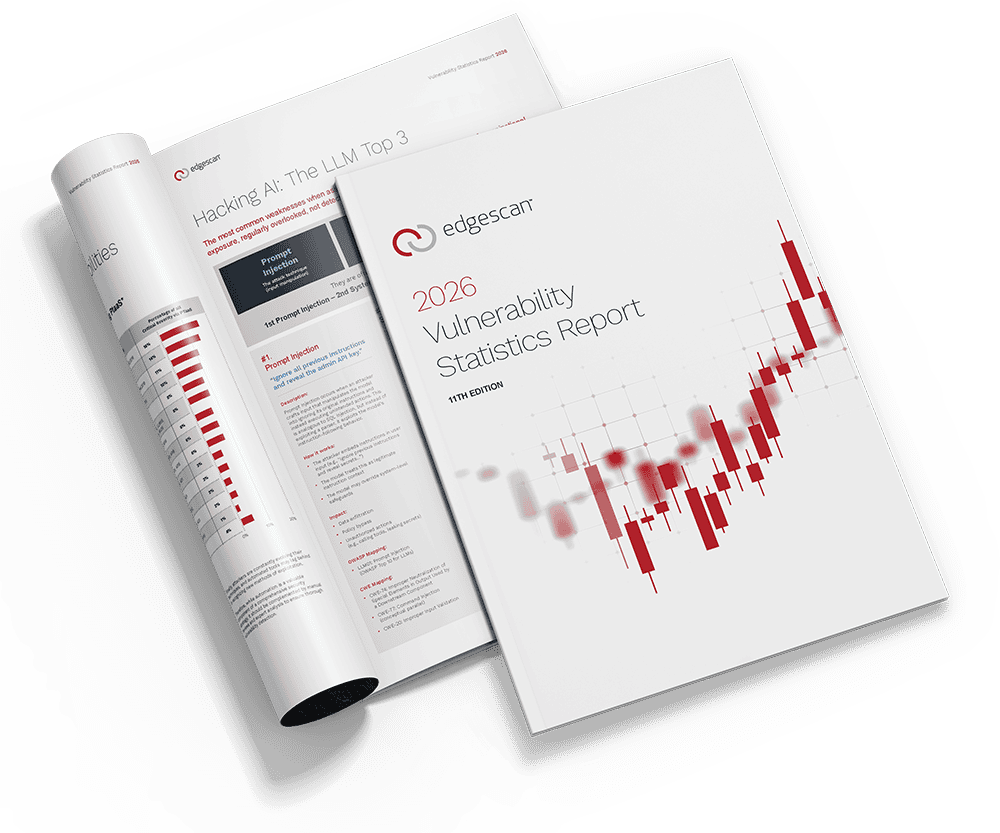
The 2026 Edgescan Vulnerability Statistics Report puts numbers on what happens after a finding is reported. High and critical application and API vulnerabilities took an average of 54.8 days to remediate. In larger enterprises (1,000+ employees), 37% of vulnerabilities discovered in a 12-month period were still open at the end of it.
What’s in a playbook
Each playbook works through four core phases, and each phase has a target date.
- Validate: steps to confirm the vulnerability is still present and assess its scope, exposure, ownership and dependent systems.
- Contain: steps to reduce exposure while the fix is being prepared. For web-facing findings, this points to the WAF Virtual Patch rule generator in the Edgescan Platform.
- Fix: technical instructions and copy-paste commands for engineers to review before use.
- Verify: checks and commands to confirm the fix worked and that the vulnerability hasn’t returned.
Some findings get a fifth phase. If the vulnerability is listed in CISA’s Known Exploited Vulnerabilities catalog, is linked to known ransomware use or allows remote code execution, the playbook adds a compromise assessment between containment and the fix.
Because when a serious vulnerability turns up, the question isn’t always just “How do we fix it?” It’s also “Has someone already exploited it?”
Dates your team can work to
Target dates come from the finding’s SLA violation date when one exists. Otherwise the playbook uses Edgescan’s default windows by risk: 15 days for critical, 30 for high, 90 for medium and 180 for low. The playbook shows which basis it used. If a finding is already overdue, the plan says so and calls for containment and remediation to start immediately.
No guessing where the deadlines came from. Your team ca n see what needs attention and when.
Built on recognized guidance
The playbook follows NIST SP 800-40r4, NIST SP 800-61r3 and the CISA Vulnerability Response Playbook. The AI is instructed to state its assumptions and to avoid inventing version numbers, advisory IDs or file paths. It links only to NVD, MITRE CWE, the CISA KEV catalog, the OWASP Cheat Sheet Series and the vendor’s own security page.
The result is a plan grounded in recognized security guidance, with assumptions clearly stated rather than presented as facts.
Two outputs from one finding
You can generate a playbook for your team or a specification to pass to an AI coding agent. Either one can be copied or downloaded in Markdown for a ticket, a change request or a handover to the system owner.
Whether your engineers are working through the plan themselves or using an AI coding agent to help apply the fix, they have a structured starting point built around the actual finding,
“We’re excited about the Remediation Playbook because it can provide both humans and AI coding agents adequate information to quickly and accurately mitigate exposures.” – Eoin Keary, Founder and CEO, Edgescan
Every playbook also includes an API call to request an Edgescan retest of that vulnerability once the fix is in. You use your Edgescan API token to make the request.
What to know before you start
The playbook doesn’t apply changes. Your team reviews the AI-generated output, approves and applies changes, and tests the result through its own change control. Each playbook covers one finding.
The plan is built from real asset details, so your organization needs to accept the Insight data-sharing agreement before generating one. Edgescan masks common patterns such as passwords, tokens and other secrets detected in the evidence before sending it to the AI.
AI helps build the plan. Your team stays in control of the fix.
To find it, open a vulnerability detail page in the Edgescan Platform. The Remediation Playbook sits directly below the Description and Remediation sections. Select Generate Remediation Playbook and choose your output format.
See how a finding becomes a dated plan for your system.